Sub-Privileges
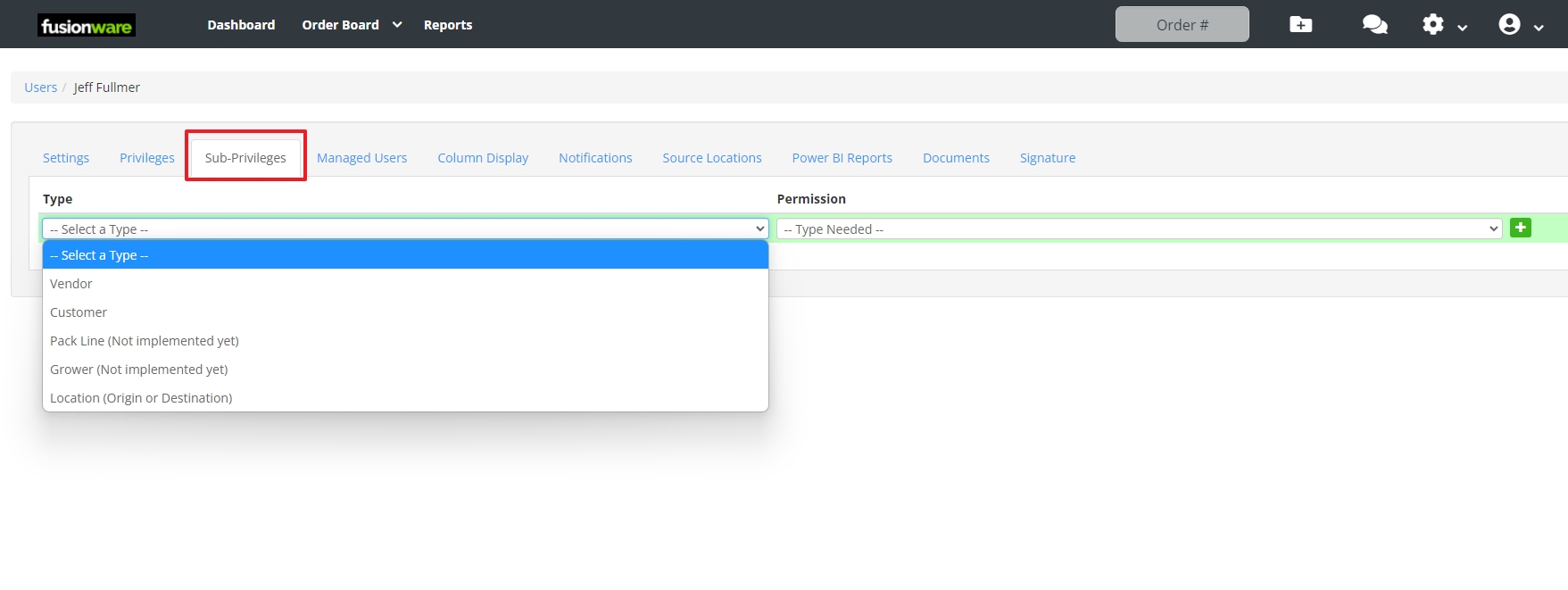
Users > Sub-Privileges tab (Settings > Misc. > Users) is primarily used to give a Vendor or Customer read-only user account access to their own orders — scoped down to just their own company or location, rather than everything on the board.
To grant access:
- Select a Type (Vendor, Customer, etc.)
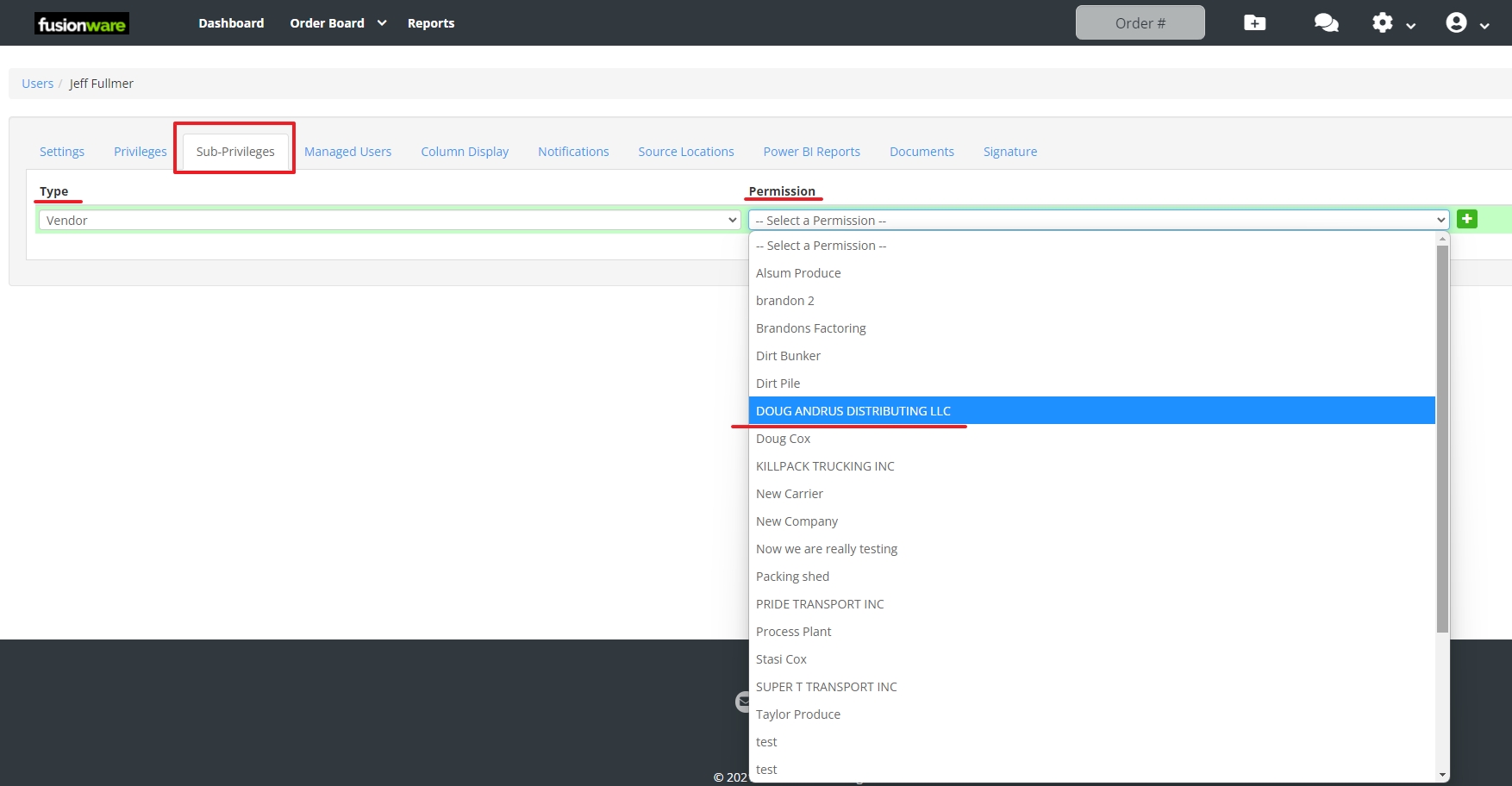
- Select the specific company or location from the Permission list
- Click the green + button to add it
When added, it shows below the form, and can be removed individually at any time.
Fields
| Field Name | Description |
|---|---|
| Type | The category of record this grant restricts the user to |
| Permission | The specific record to grant — a company, location, or similar, depending on the selected Type. Options are searched live from that Type’s underlying list |
| + (green button) | Adds the selected Type/Permission pair as a new grant for this user |
Type Options
| Type | Where It Applies | Description |
|---|---|---|
| Vendor | Order Board, Shipping Board, Fields | Restricts the user to orders, shipments, and field records tied to the selected vendor company |
| Customer | Order Board, Shipping Board, Customers/Vendors/Growers list | Restricts the user to orders, shipments, and company records tied to the selected customer |
| Location (Origin or Destination) | Order Board, Shipping Board, Inventory Report, Inventory Sales, Storages, Mappings (Unmapped), Custom Reports | Restricts the user to records tied to the selected location, whether it’s used as an origin or a destination |
| Grower | — | Not developed yet |
| Pack Line | — | Not developed yet |