Signature
Settings » Misc. » Users » Signature
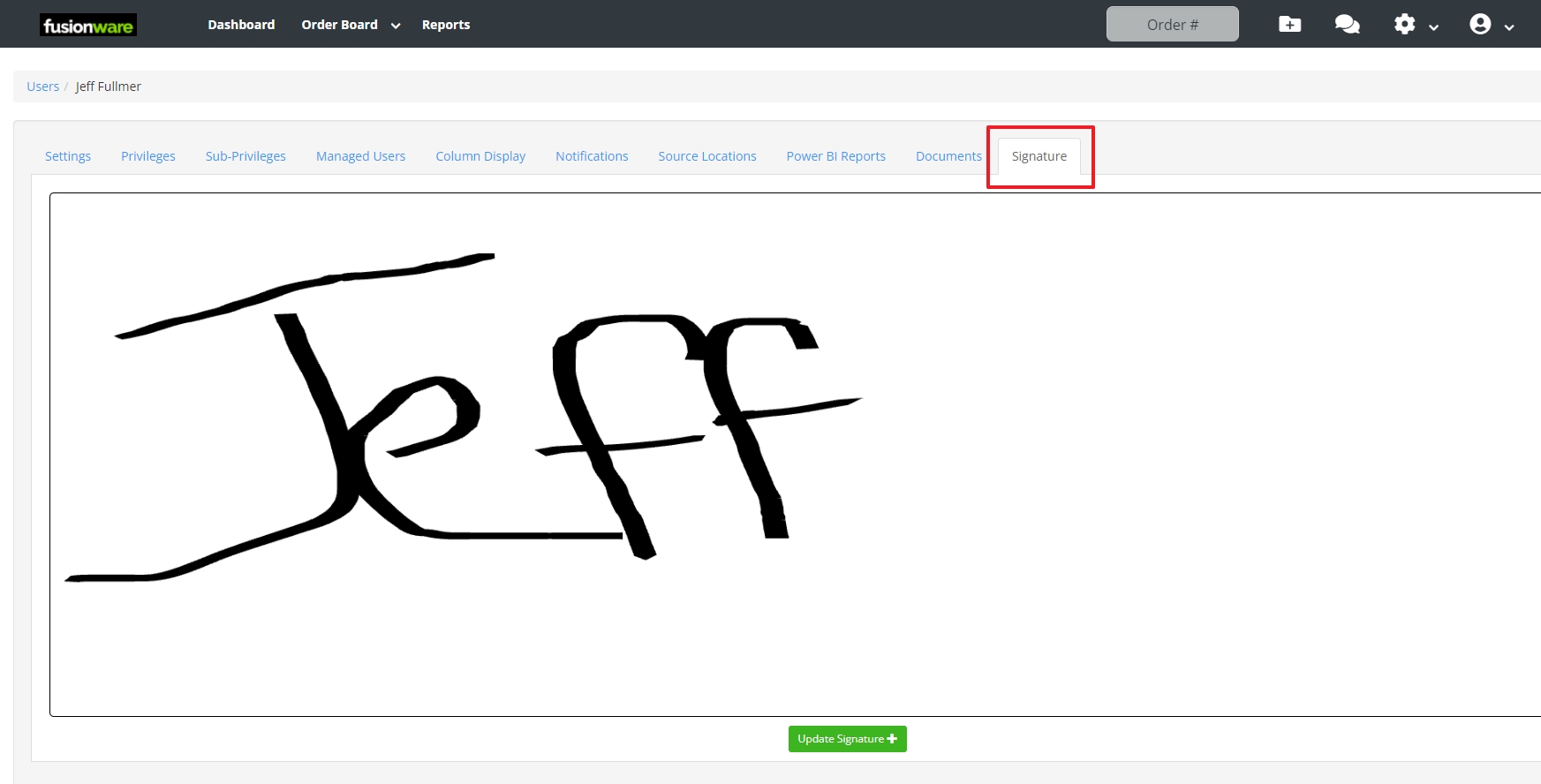
A signature is required for users that are sending documents to be signed by a driver.
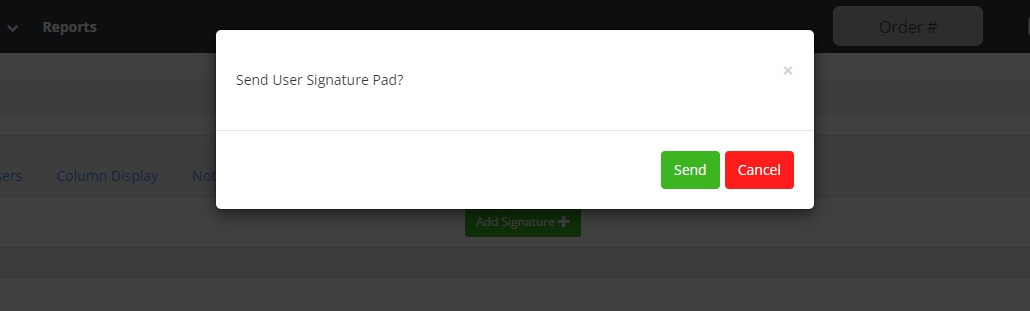
Method 1: A signature can be added in the Signature tab under the user settings. The user will need a mobile number added to their user settings to receive a link to set their signature.
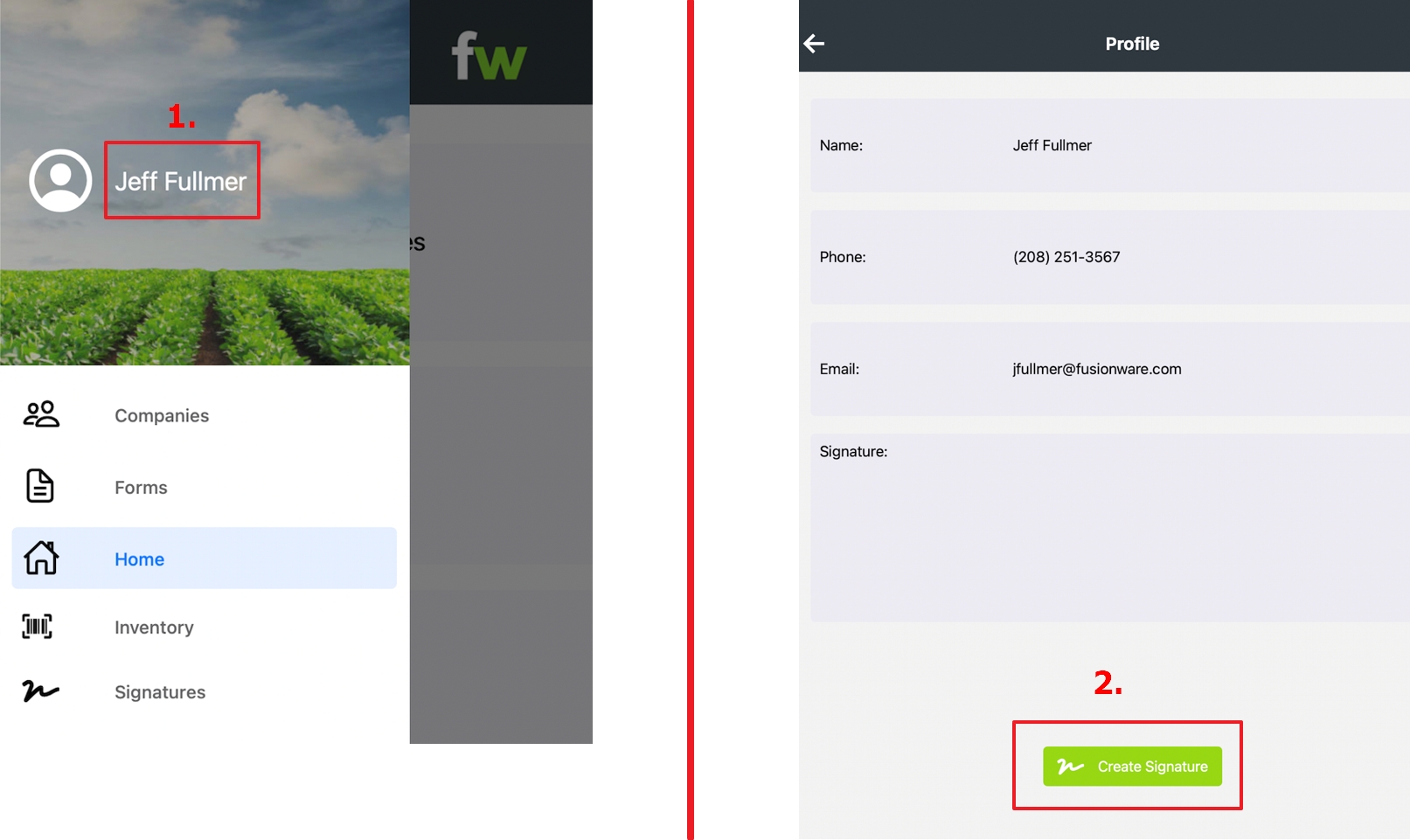
Method 2: In the Fusionware mobile app a user can go to their profile name and select it in the menu to create a signature in the mobile app.