FusionwareIQ
Build Custom Report
Power BI Reports
Click to expand
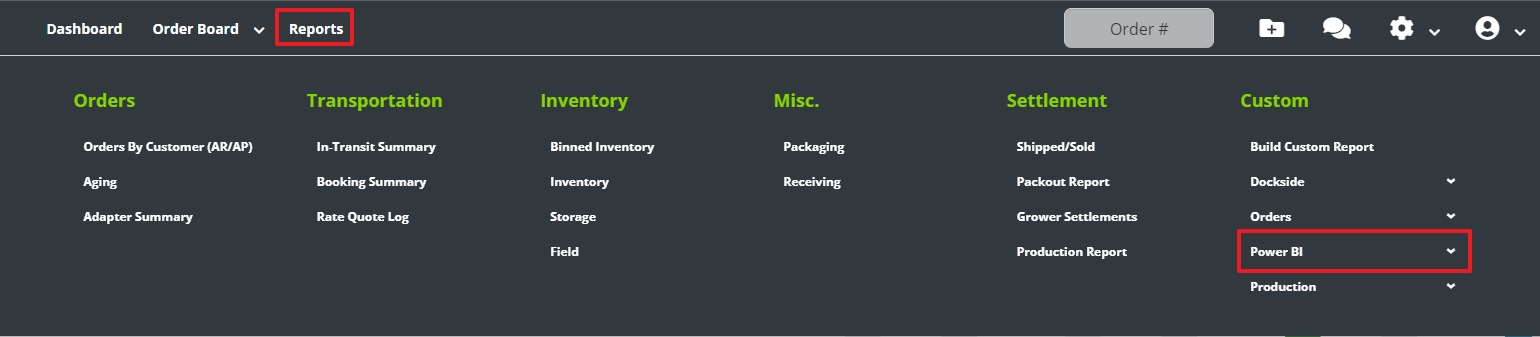
- If you have the Power BI Fusionware add-on, you can access your company’s Power BI reports through: Reports > Custom > Power BI > “Name of Report”
- If you are not an admin, you will need to be granted access to the specific report(s) you are trying to access
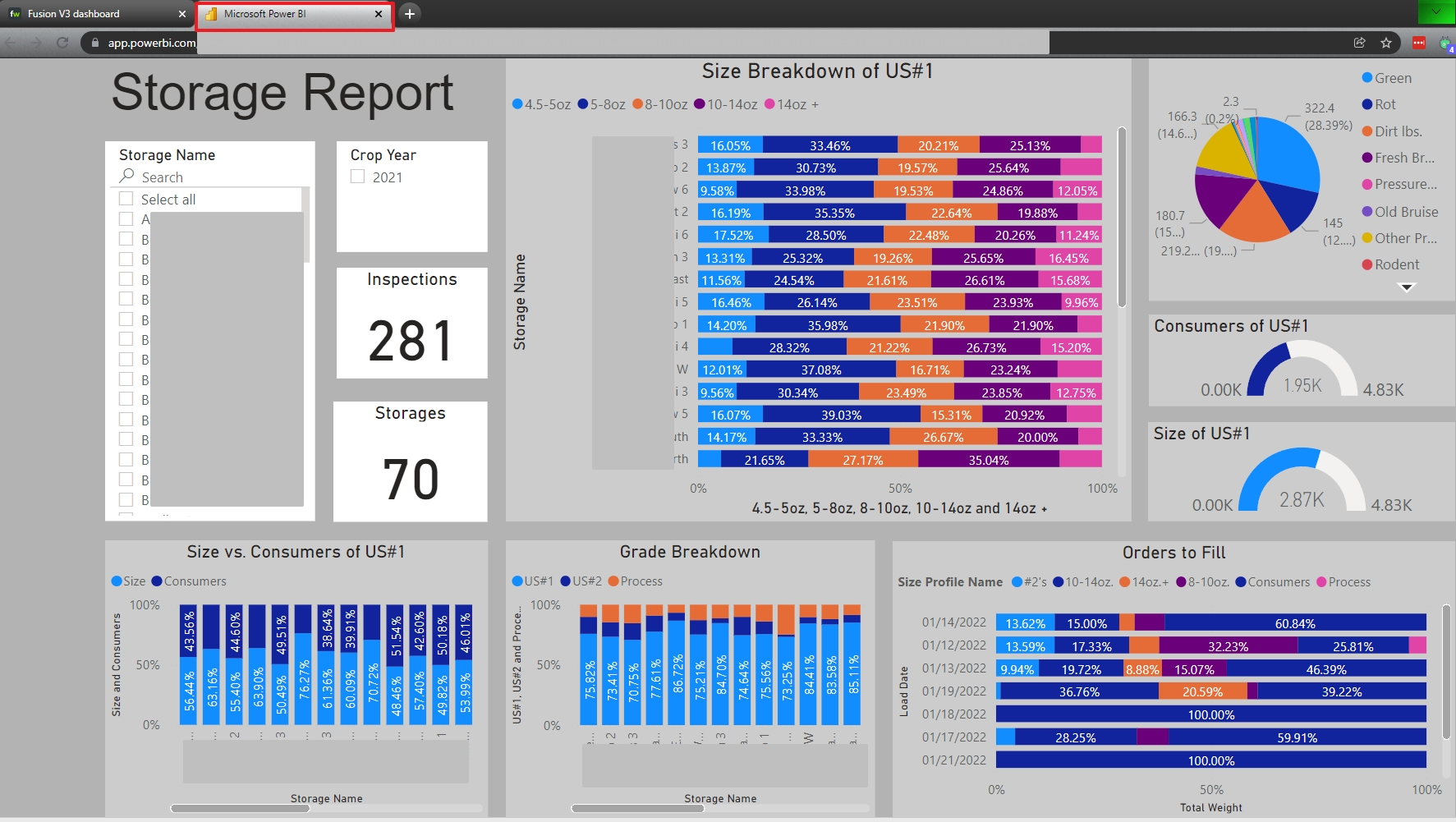
- Selecting the report name will open the report in a new tab on your browser
- This view is read only
- To export to Excel, you will need to be given the Microsoft Power BI login credentials that are setup for your company
- Please contact a company administrator to gain access
- If you are the main administrator for your company please contact Fusionware
- To export to Excel, you will need to be given the Microsoft Power BI login credentials that are setup for your company
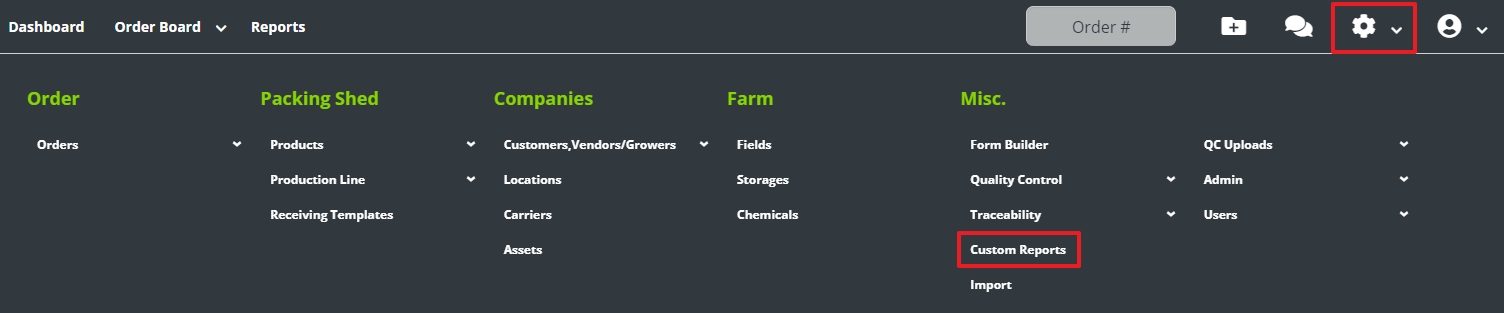
To give report access to non-administrators (administrators have full access to all reports) go to Settings > Custom Reports

- This page shows all the reports in Fusionware and through Power BI
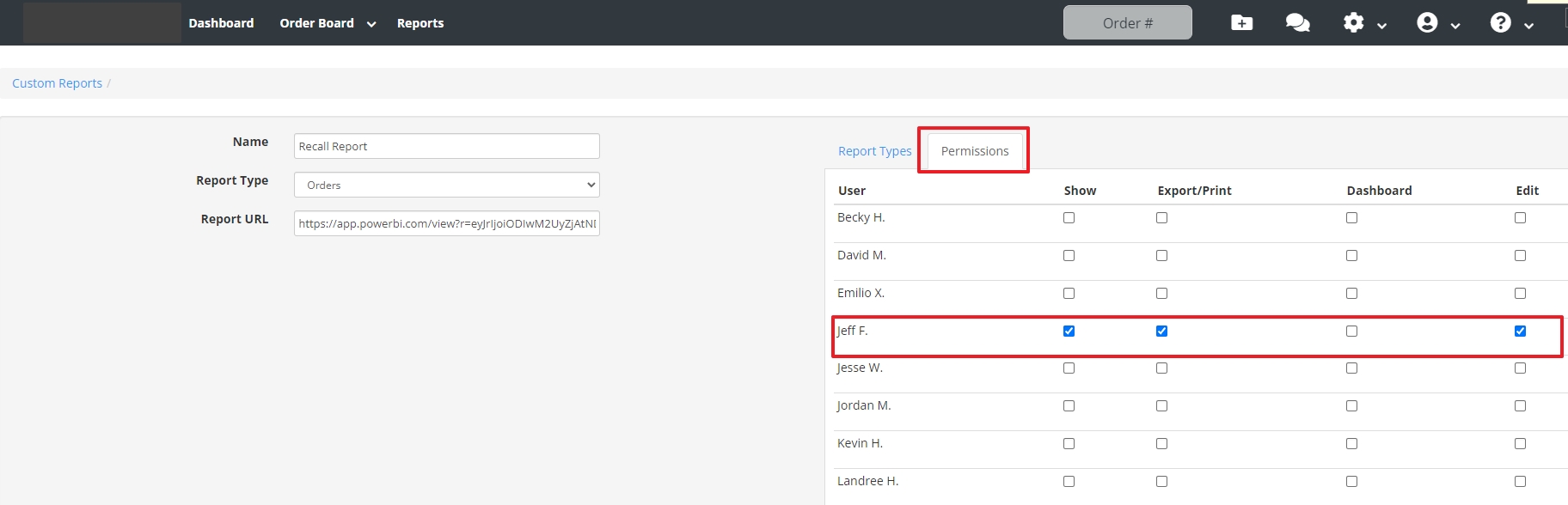
- The Power BI reports have a long URL address
- Select your Power BI Report
- Select the Permissions tab and then check the options to give each non-administrator access to the report
Power BI Reports Through the Microsoft Website
Click to expand
- This will give you access to export or print the report based on your current filter settings
- Caution: do not edit this report without authorization
- You can adjust filters for the report to narrow or broaden your data
| Description | Image - Select Image to Expand |
|---|---|
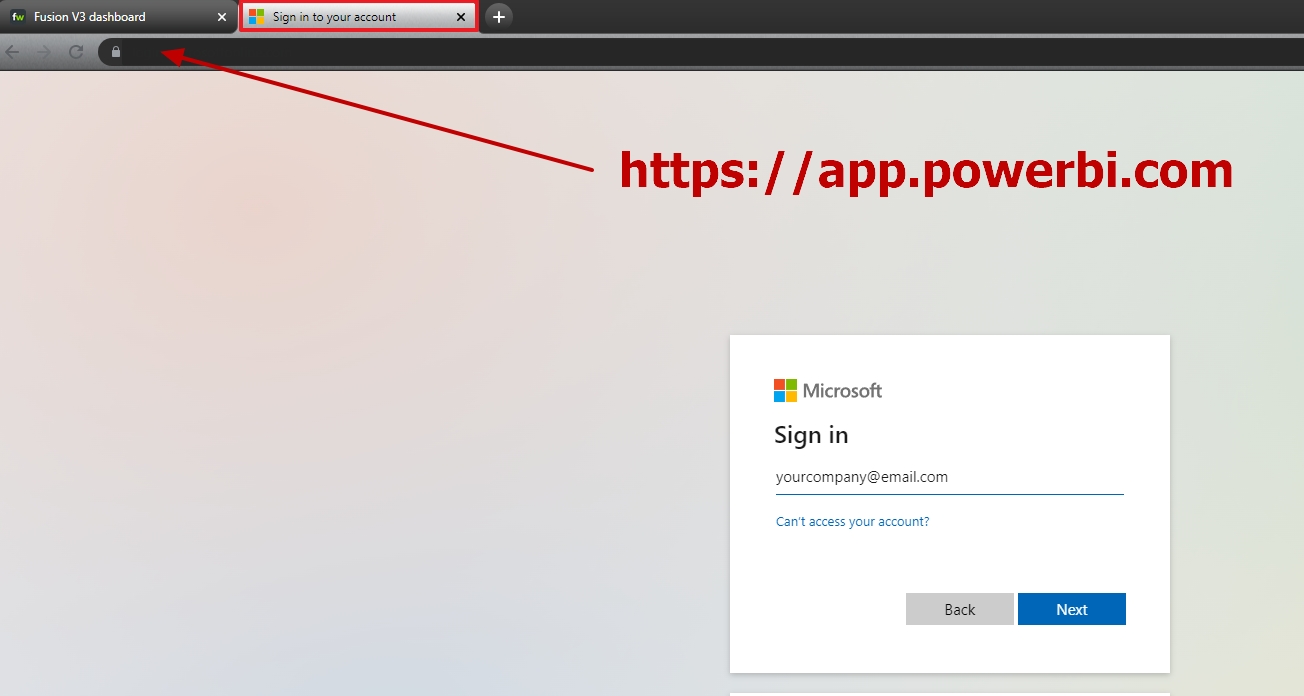
| Login Page | ![]() |
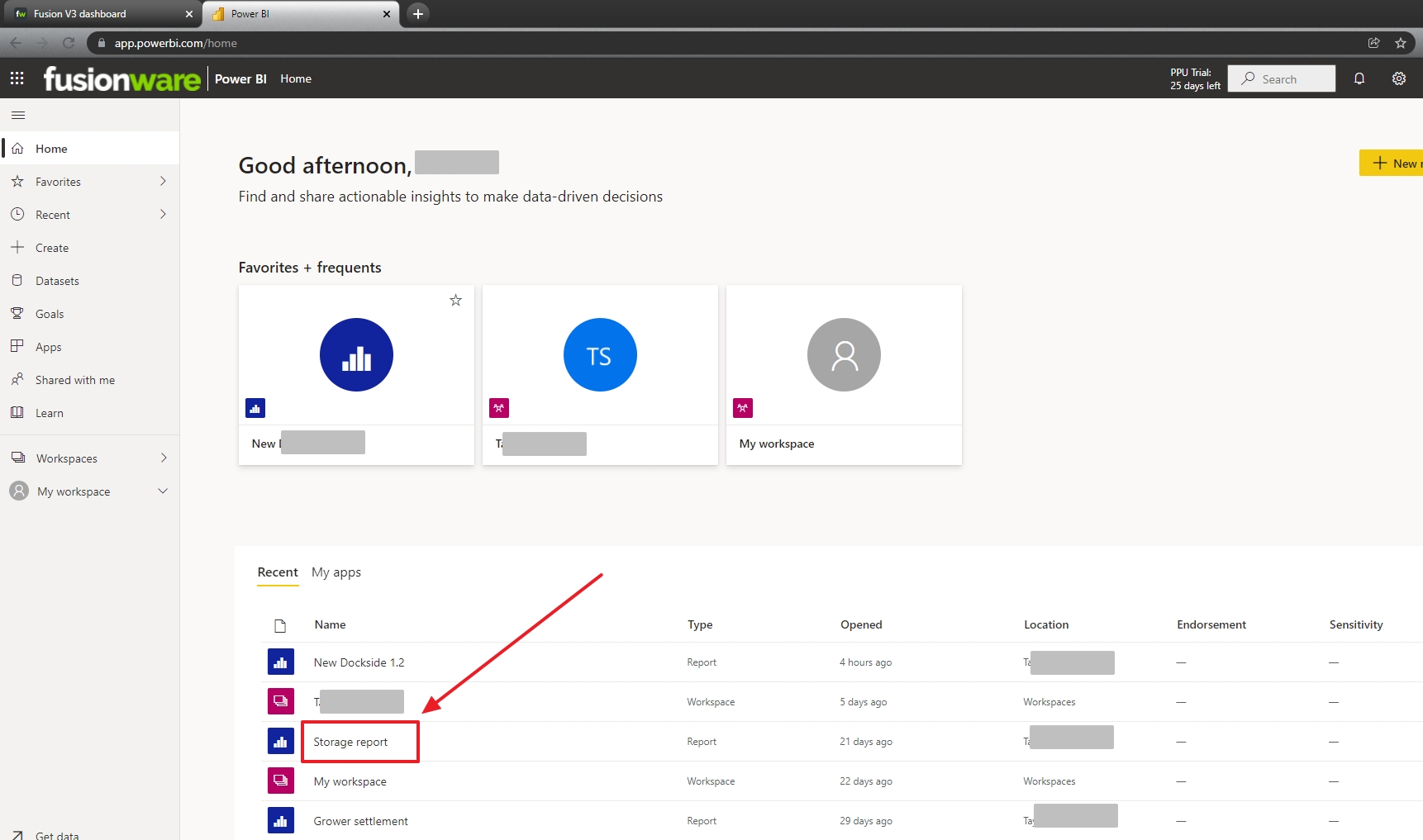
| Select Report | ![]() |
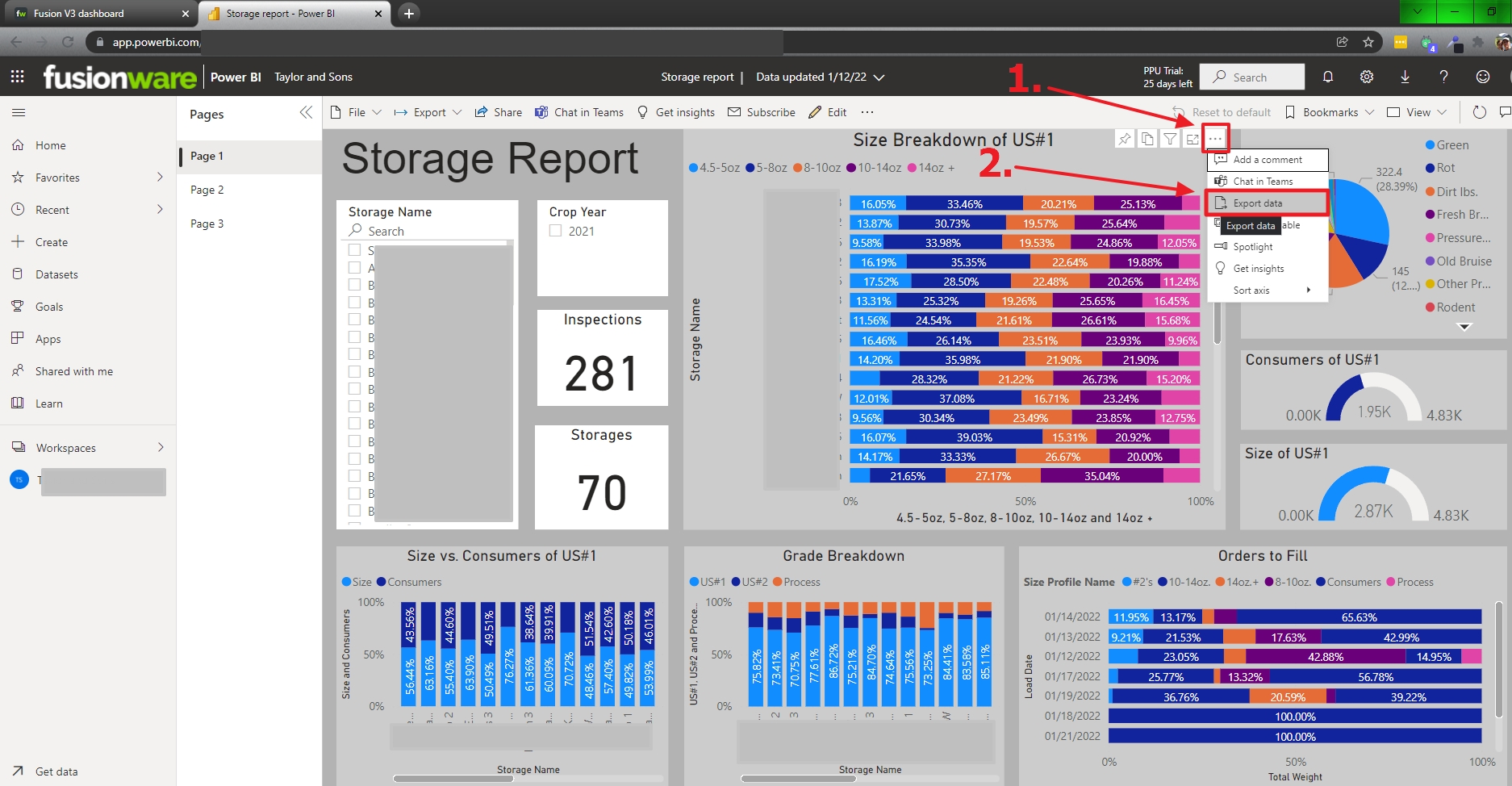
| Excel Export Select | ![]() |
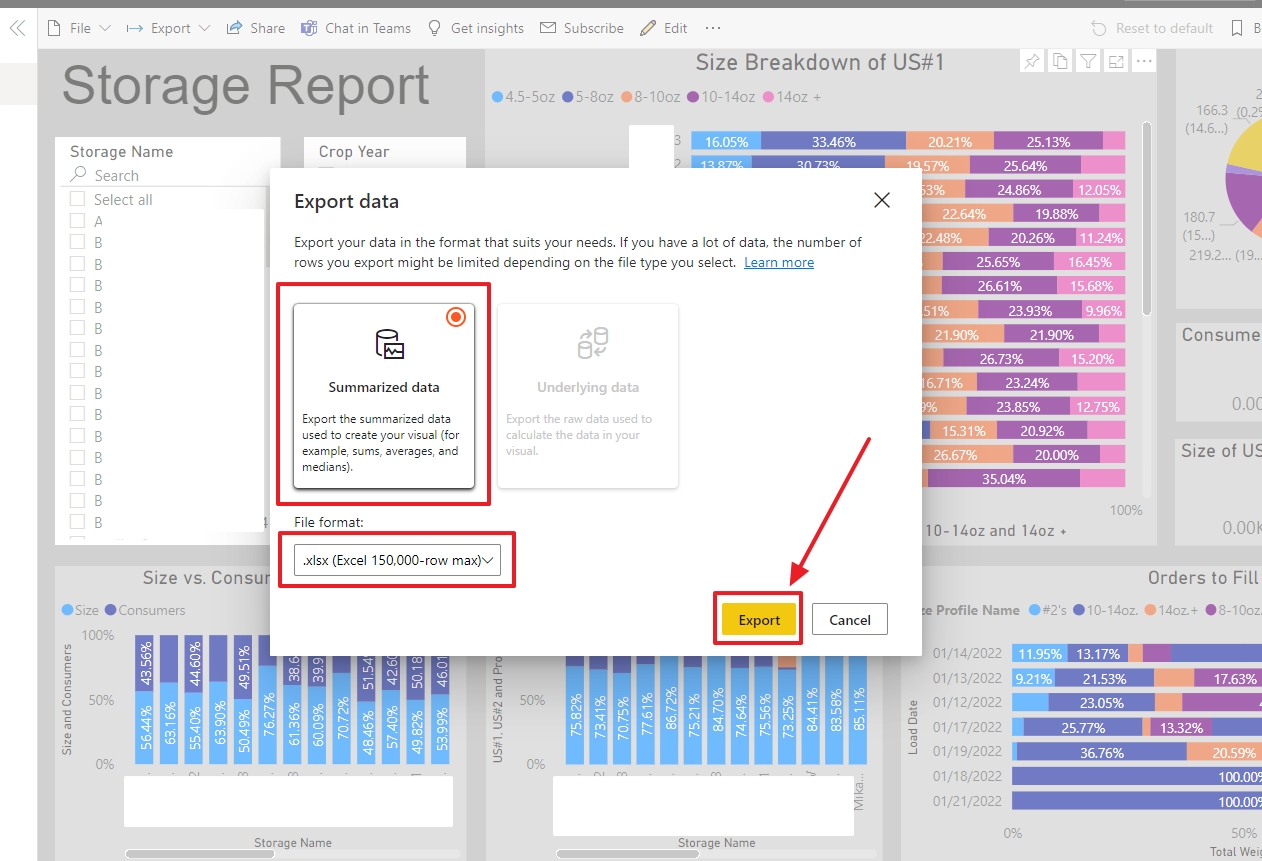
| Excel Export Format | ![]() |